One canvas. Every kind of thinking.
Plans, notes, research and media usually live in four different apps. OpenMind puts them on one surface you can pan and zoom — so the release checklist sits next to the screenshot, the quote, and the voice note about both.
Think in space
An infinite canvas with pan, zoom and optional fixed-size sheets with pages. Put the big picture and the fine print side by side.
Every medium welcome
Stickies, rich text, 15 shapes with lines and arrows, freehand drawing, tables, pin notes — plus images, PDFs, audio, video and YouTube embeds.
Take it with you
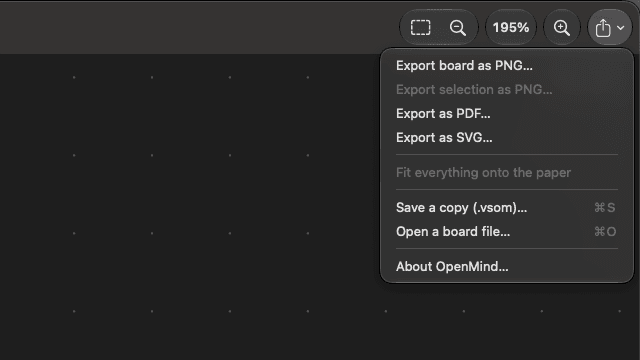
Export the current page to PNG or SVG, every page to PDF, or the whole board to a .vsom file you can open on another device.
Yours, actually
Local-first SwiftData storage. No account, no analytics, no telemetry. Your boards never leave the device unless you export them.
The board is the file. There is no sync to set up because there is nothing to sync to.
OpenMind is a local tool, not a collaboration service. Sharing today means sending a .vsom, PNG, PDF or SVG file.
Infinite canvas
Infinite canvas that feels effortless
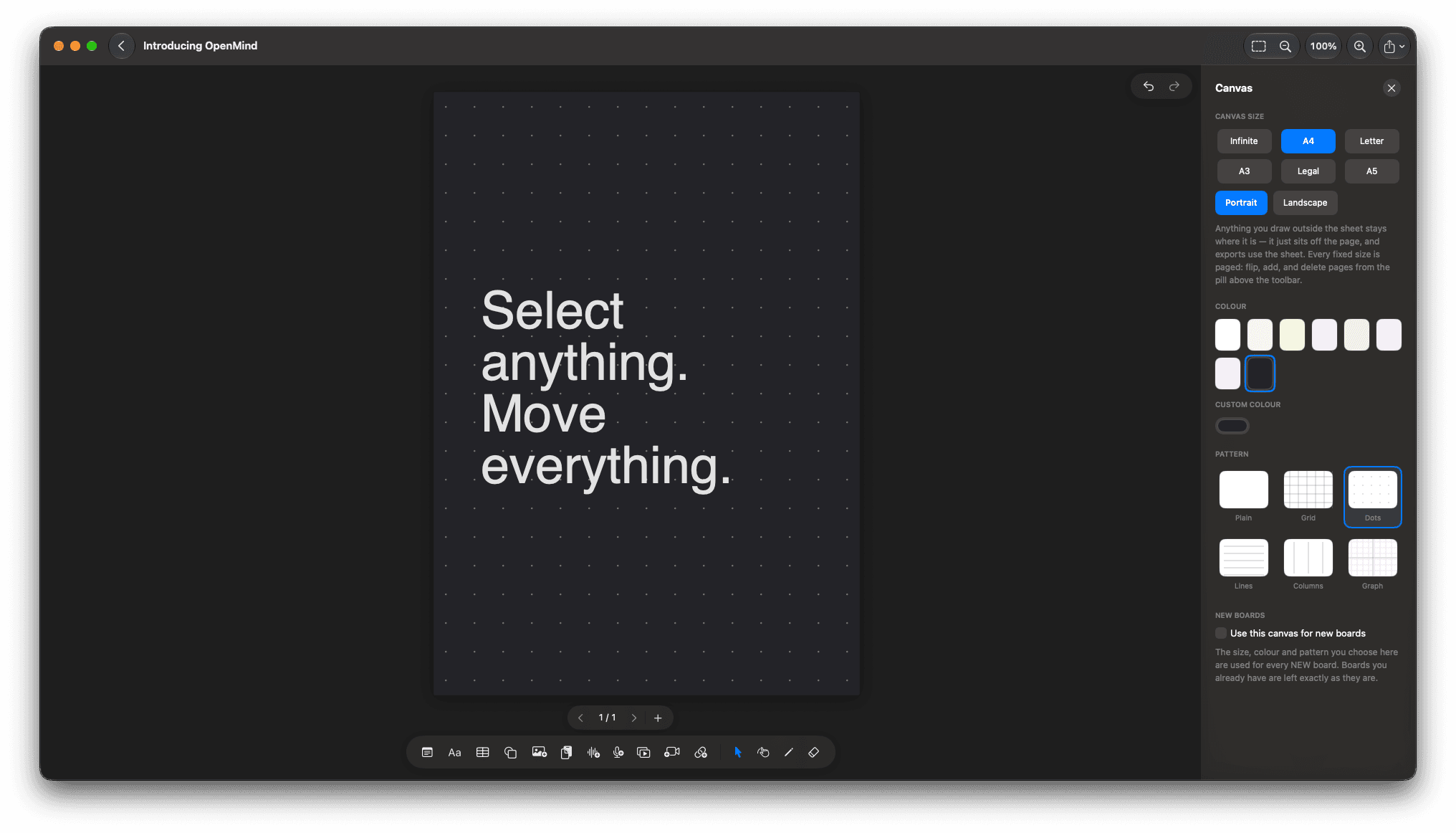
Pan with two fingers or scroll-wheel, pinch to zoom, and roam freely in every direction. Need structure? Switch to fixed-size sheets with pages for docs, slides, and print.
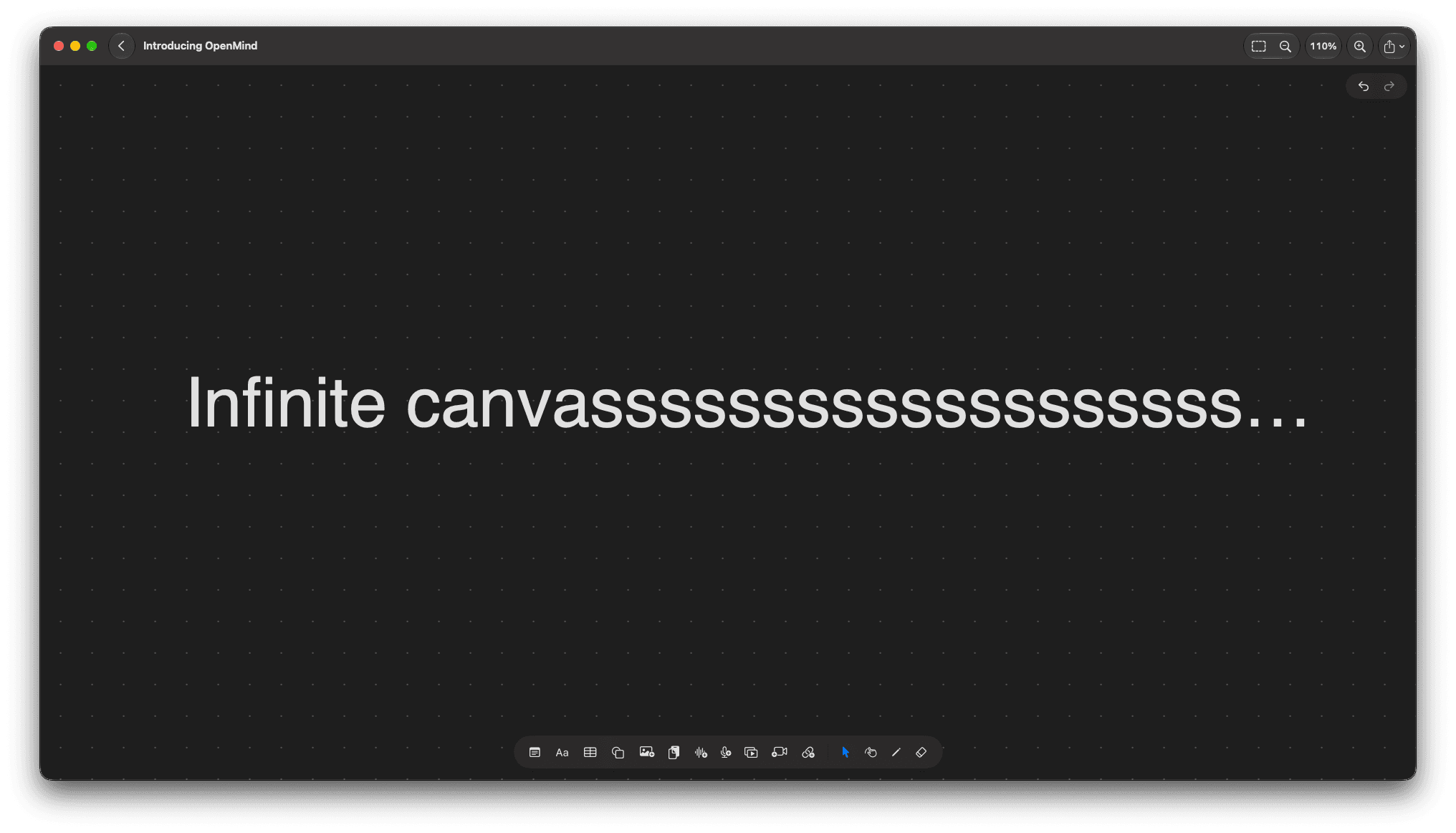
Stickies & text
Stickies, text & rich text
Quick-capture ideas with stickies and text boxes. Format with bold, italic, colors, alignment, and font sizes — perfect for notes, specs, and moodboards.
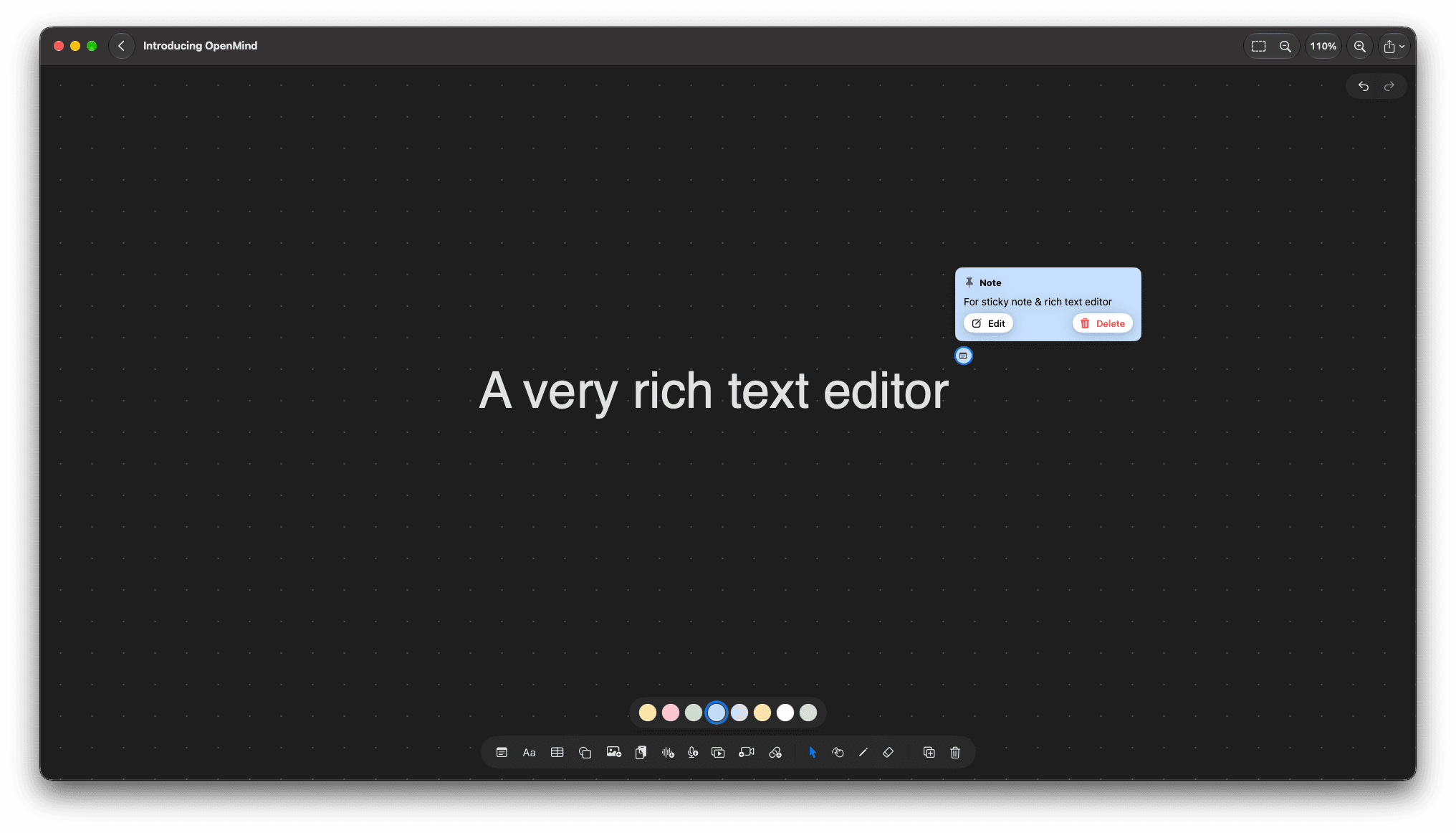
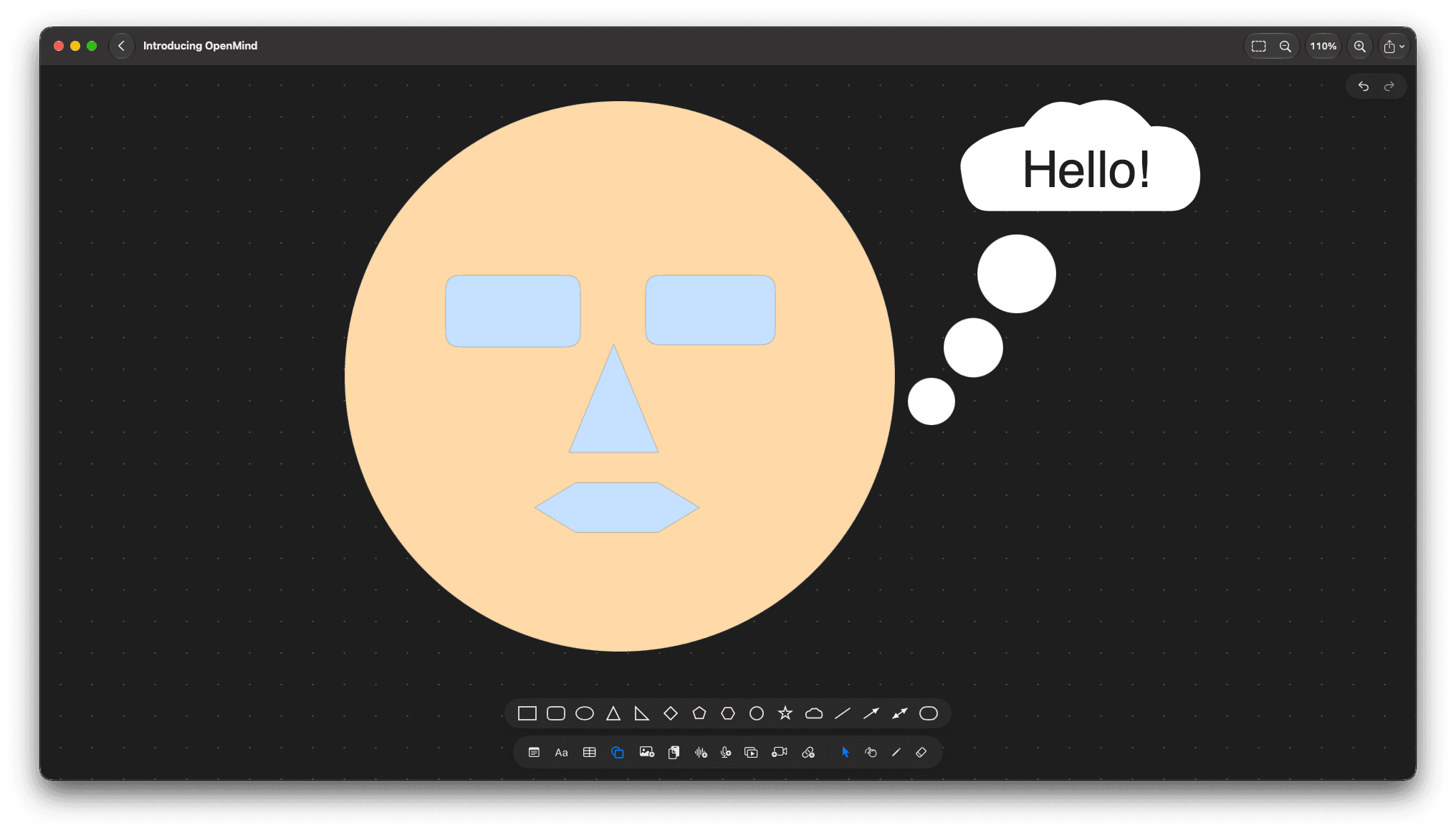
Shapes & connectors
Shapes, arrows & connectors
15 shapes from rectangles to stars, clouds, and capsules — plus lines, arrows, and double-arrows to diagram flows, wireframes, and mind maps.
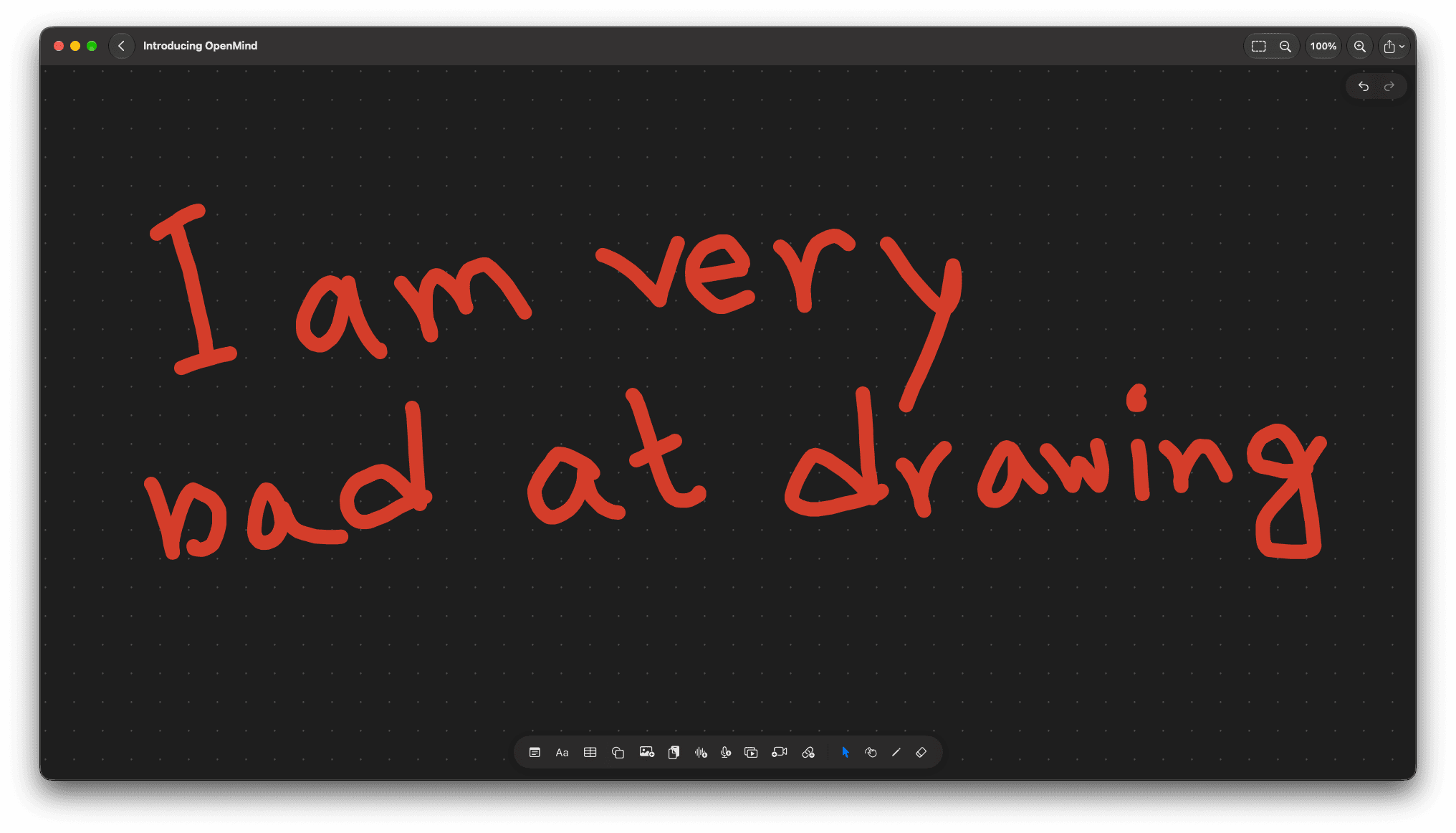
Freehand drawing
Freehand drawing
Sketch naturally with mouse, trackpad, or Apple Pencil. Annotate anything on the board, then select, move, and resize strokes like any other object.
Tables & pins
Tables & pin notes
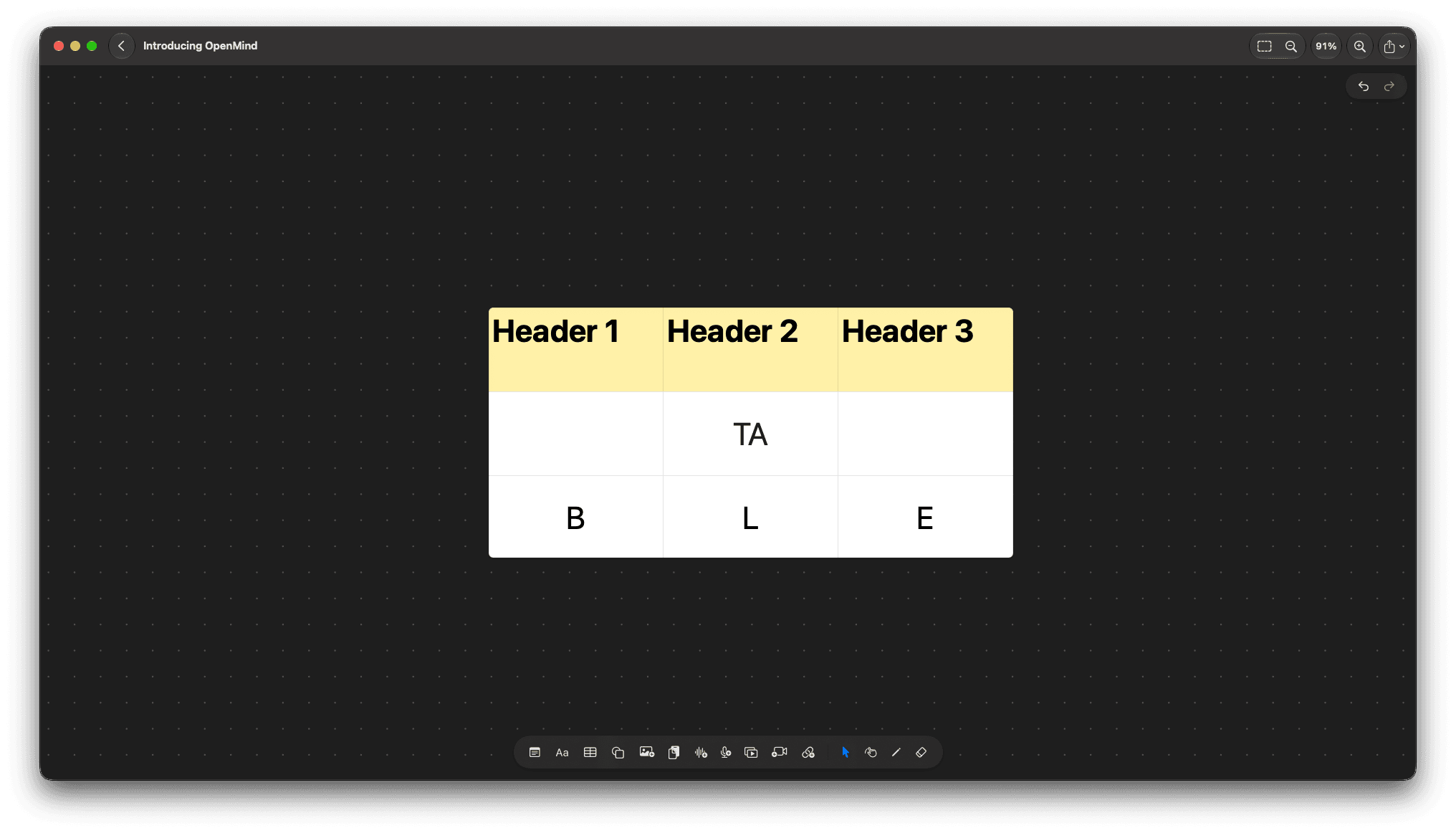
Organize with full tables — add rows, columns, and style cells together. Drop pin notes to comment, annotate, and expand ideas without cluttering the canvas.
Images & PDFs
Images & PDFs
Add photos via picker, drag & drop, paste, or image URL. Drop in PDFs for reference, review, and markup — right alongside your ideas.
Audio & video
Audio, video & voice notes
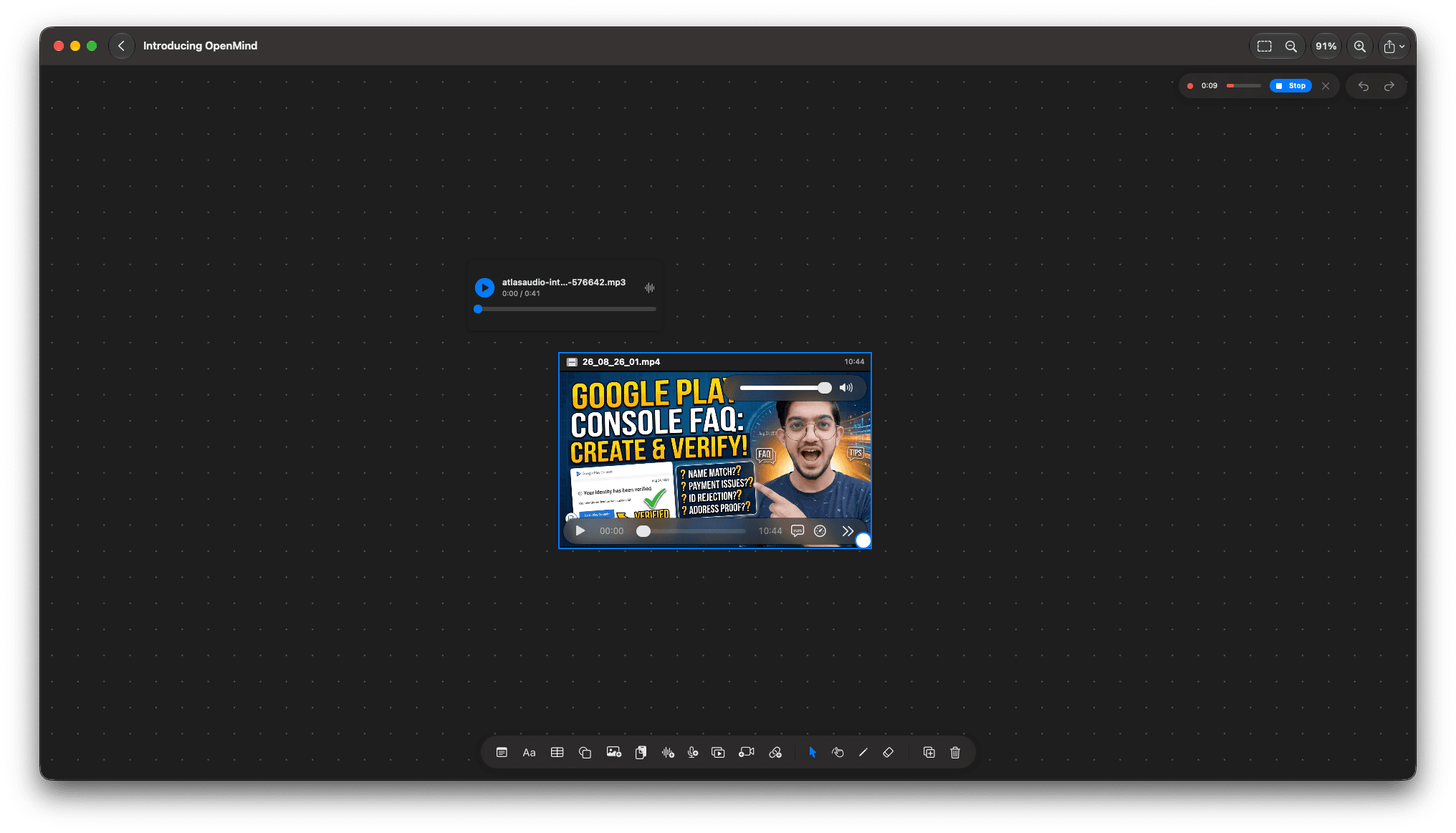
Record microphone voice notes, attach audio files or URLs, and drop in video files. Great for feedback, lectures, interviews, and walkthroughs.
YouTube embeds
YouTube embeds
Paste any watch, share, or Shorts link to embed playable YouTube videos directly on the canvas. Research and reference without leaving your board.
Select & arrange
Select anything. Move everything.
Drag to marquee-select, Shift-click to extend, then move, duplicate, arrange, lock, and style together. Full undo/redo so you can experiment fearlessly.
Export & share
Export & share anywhere
Export your board or just the selection to PNG, PDF, and SVG. Share portable .vsom board files that open across devices.
Private by design
Private by design, native to Apple
Built with SwiftUI + SwiftData for macOS and iOS. No sign-up, no analytics, no telemetry. Network is used only when you attach a media URL or play an embed.
Free and open
Free. No tiers, no trial, no catch.
OpenMind
The whole app, for everyone.
- Infinite canvas, sheets and pages
- Every item kind: stickies to YouTube embeds
- PNG, PDF, SVG and .vsom export
- PDF and board-file import
- Works offline, no account
Source code
MIT licensed, on GitHub.
- Read every line before you trust it
- Build it yourself with Xcode 16+
- File issues and send pull requests
- Keep your fork — it's MIT
- No CLA, no proprietary core
If OpenMind is useful, you can support development via Supportkori or Buy Me a Coffee — linked in the app's About sheet. It keeps the app free without ads, accounts or analytics.
Local first
Your boards stay on your device.
Boards live in on-device SwiftData storage. There is no sign-in, no sync server, no analytics event — the app collects nothing and the privacy policy fits in one sentence.
The only network access is the kind you ask for: attaching an image, audio or video by URL, or playing a YouTube embed you dropped on the canvas.
In development
What's next
v1.0 is the local whiteboard, done well. Here's what would come after — none of it is in the app yet.
iCloud sync
Same boards on Mac, iPhone and iPad via CloudKit. The models are already defaulted and relationship-clean for it.
Sharing and collaboration
Send a board to someone else and edit together — CloudKit sharing first, live cursors later.
Templates, search and scenes
Preset boards, full-text search across titles and item text, and saved viewports to jump between parts of big canvases.
We'll say so on this page when each one ships, and this page will keep describing only what you can actually download today.
How it works
- 01
A board. Click + for an empty canvas, or open a PDF and get one canvas per page. Everything after happens on the canvas itself — there is no separate edit mode.
- 02
Anything on it. The bottom toolbar adds stickies, text, shapes, drawings, tables, pins, images, audio, video and YouTube. Drag files and URLs straight from Finder and the browser.
- 03
A file out. Export the page as PNG or SVG, the board as PDF, or save a .vsom copy for backup and other devices. Double-click a .vsom anywhere to open it.
Trackpad tip: scroll to pan, pinch or Cmd-scroll to zoom, hold Option for a temporary hand anywhere. On iPad, one finger draws in draw mode, two fingers pan and pinch.
Privacy
- Do I need an account?No. There is no sign-in, no sync server and no way to make an account even if you wanted one.
- What leaves the device?Only what you fetch on purpose: an image, audio or video URL you attach, or a YouTube embed you play. Everything else stays in local storage.
- Any analytics?None. No telemetry, no crash reporting, no attribution SDKs. The app has no network code that runs without you asking it to.
- Where is my data?In on-device SwiftData storage, including media in external storage. Delete the app and it goes with it — export a .vsom first if that matters.
- Who do I contact?itisverysoft@gmail.com.
FAQ
Is OpenMind free?
Yes — free as in beer and as in speech. The app costs nothing and the source is MIT licensed.
Which platforms?
macOS 14+ and iOS 17+, built with SwiftUI and SwiftData in one Xcode project. iPad gets Apple Pencil drawing; Mac gets trackpad pan, hover brush rings and keyboard shortcuts.
Can I open a PDF?
Yes — open a PDF and every page becomes its own canvas you can draw and stick notes on. Or drop a PDF onto an existing canvas as a single item.
How do I share a board?
Save a .vsom copy and send the file — it opens by double-click on any device with OpenMind. For read-only sharing, export PNG, PDF or SVG.
Does it sync between my devices?
Not yet — storage is local to each device. iCloud sync via CloudKit is the planned next step, after which sharing and collaboration follow.
What can I put on the canvas?
Stickies, rich-text boxes, 15 shapes with lines and arrows, freehand drawings, tables, pin notes, images, PDFs, recorded or file audio, video files or URLs, and YouTube embeds.
Does it work offline?
Completely. The only features that need a connection are URL attachments and YouTube playback — everything else is local.
Can I export my work?
The current page as PNG or SVG, every non-empty page as a PDF, or the whole board as a .vsom file. Selection-only PNG export is in the menu too.
Who makes it?
Very Soft — the same studio behind FitGPT. OpenMind is our own tool, built in the open and free for everyone.
Clear a board. Fill it up.
Download the Mac app or build it from source — no account, no trial, no email required. Your first board is one click away.
OpenMind is built by Very Soft. We build apps like this for other people too — start a project.